WordPress comments that stay WordPress comments.
Threading, voting, reactions, subscriptions and moderation — stored in
wp_comments, rendered on the server, with nothing sent to anyone else.
WordPress 6.5+ PHP 8.1+ 180 KB GPLv2 no JS
Screens
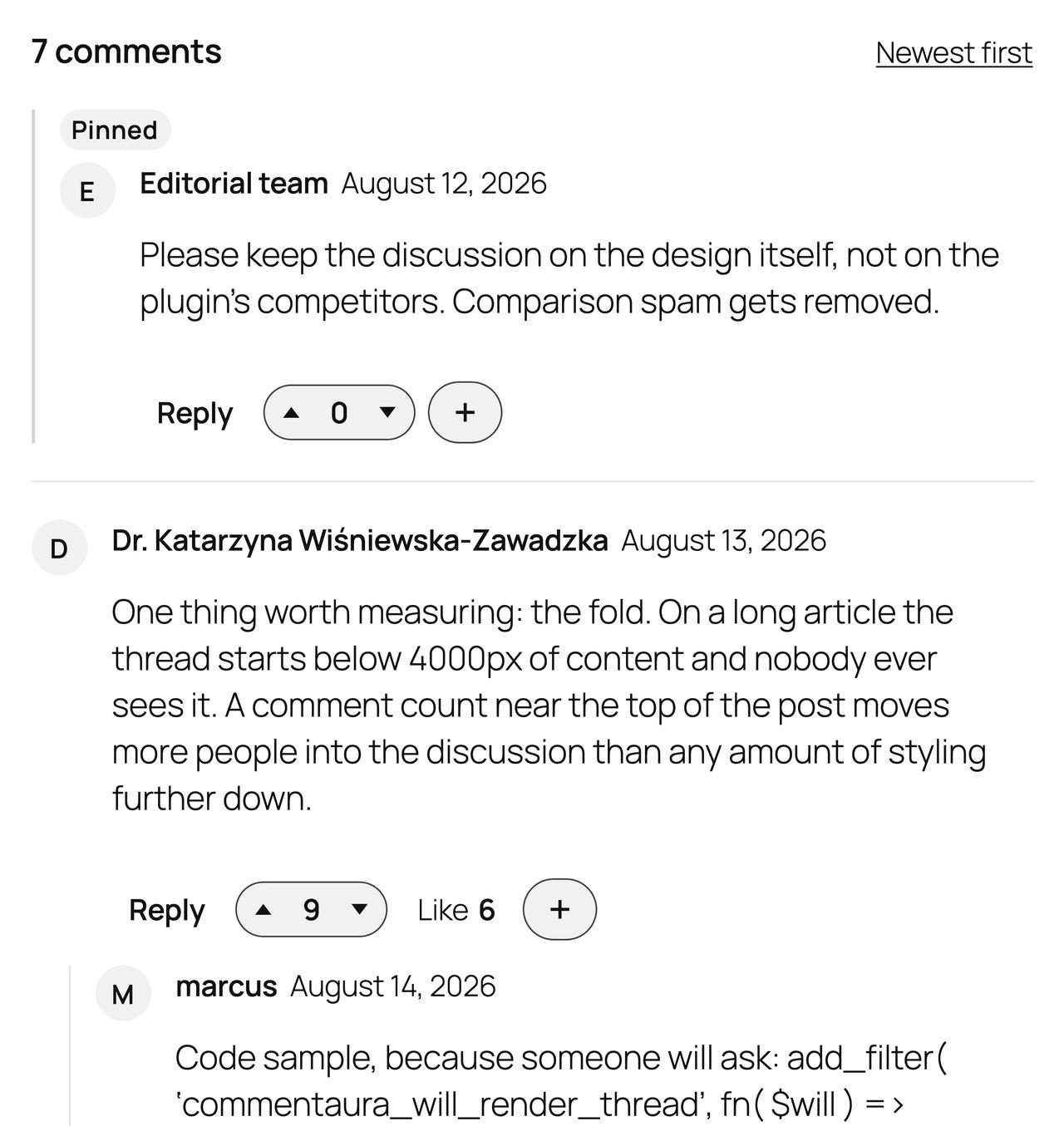
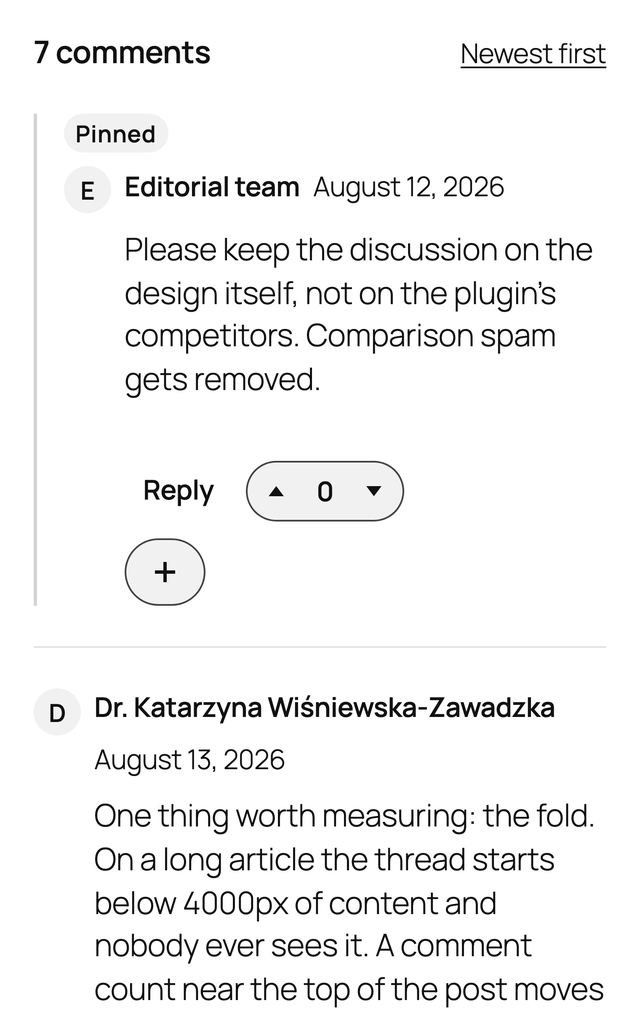
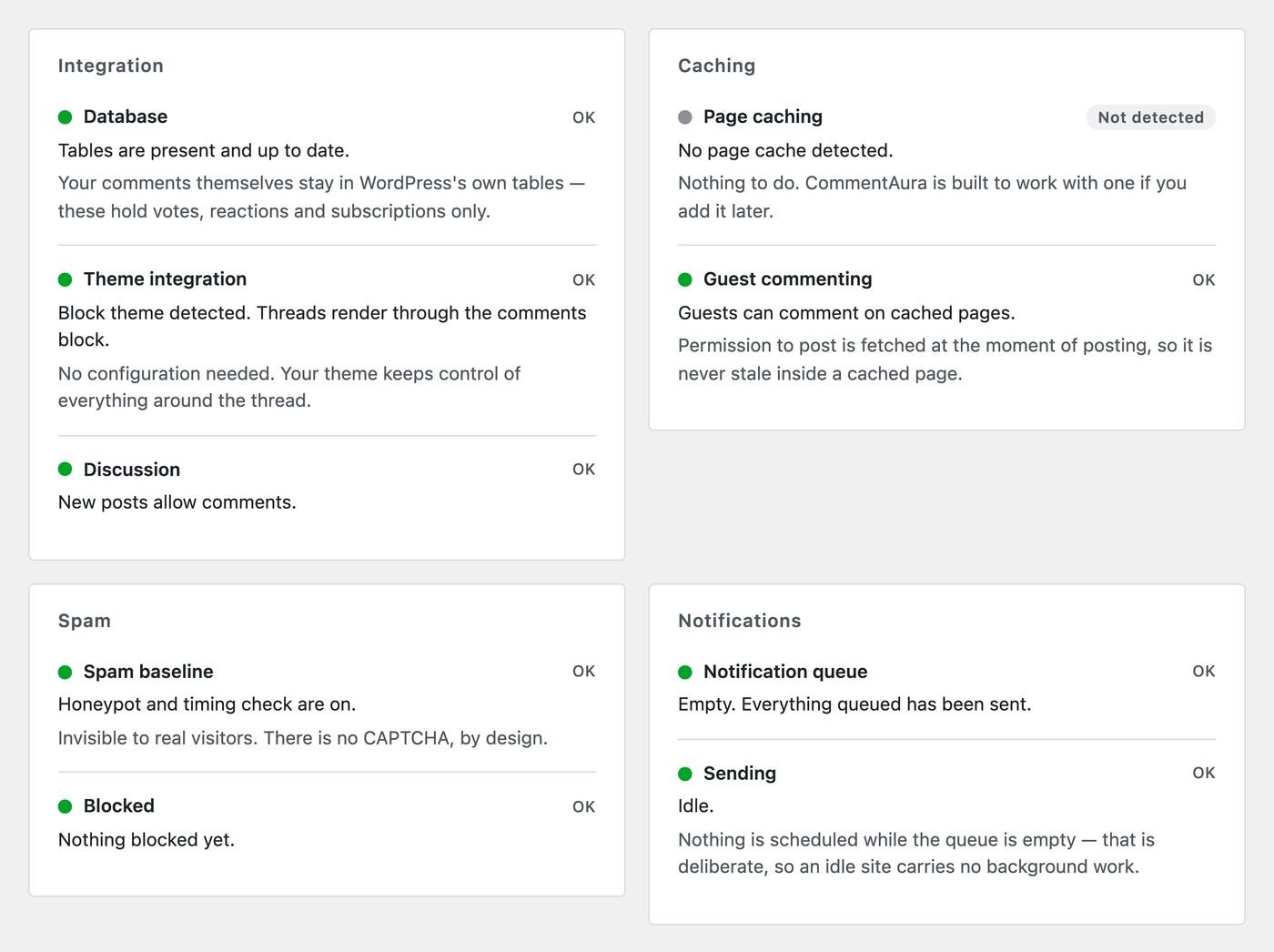
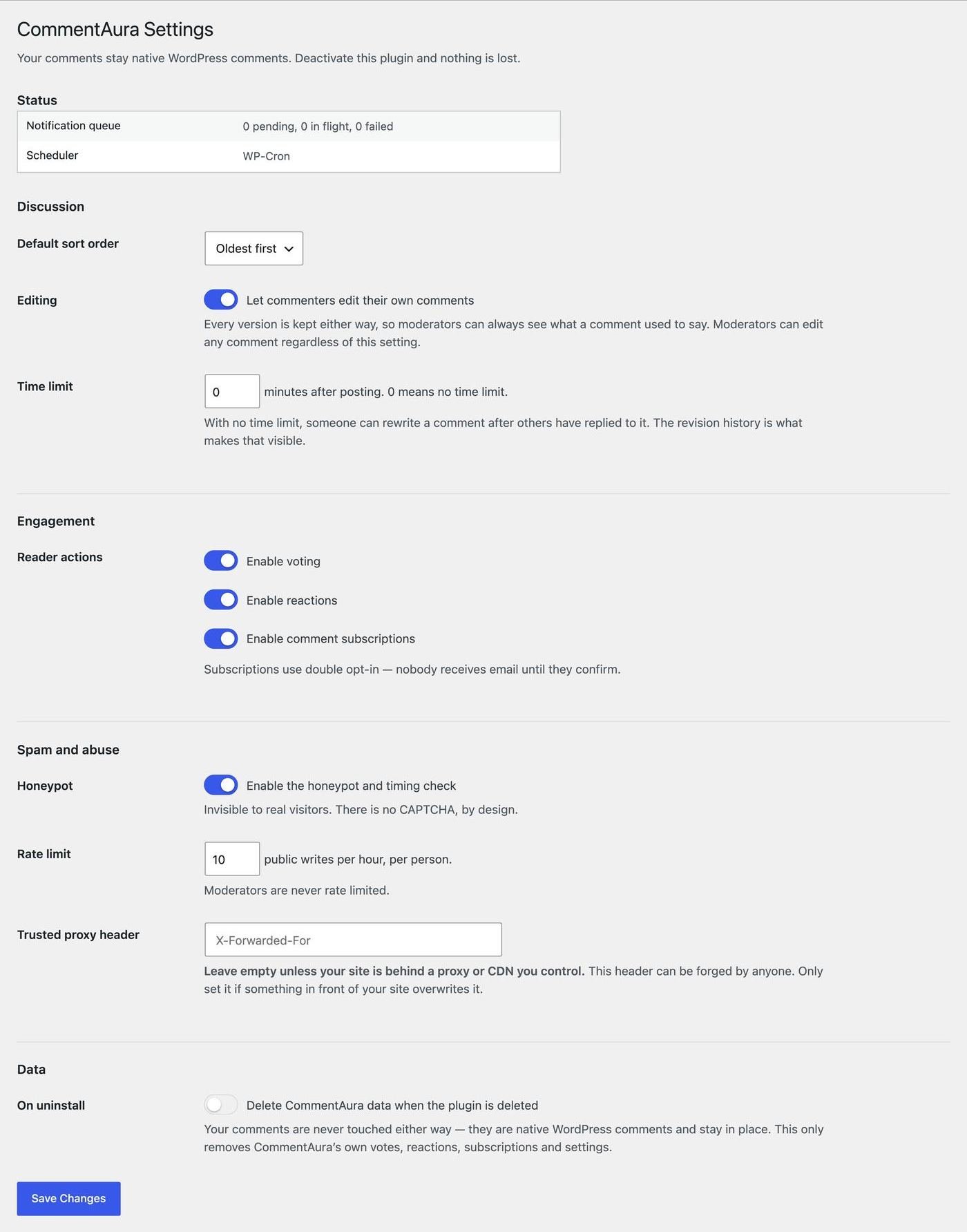
Quiet on the front, plain in the back.
Why
Three constraints, kept.
Your comments are never moved
Everything lives in wp_comments and wp_commentmeta, where
WordPress already puts it. No iframe, no external service, no account for your
visitors. Deactivate the plugin and every comment, reply and permalink still works —
that is not a migration path, it is the architecture. Uninstalling removes
CommentAura's own tables and never touches a comment.
It runs without JavaScript
The thread is rendered on the server, in your page's HTML. Reading and posting both work with scripting disabled, which is also why search engines index the discussion and screen readers can read it. Script enhances; it is never load-bearing.
Nothing is sent anywhere
No trackers, no CDN, no analytics beacon, no sponsored content in your discussions — the plugin makes zero outbound HTTP requests. Guest identities are stored as a one-way salted hash, never as a raw IP address.
Performance
Measured, not asserted.
Features
A discussion system, not a stylesheet.
- Threaded discussionsClassic and block themes, byte-identical output through either path.
- SubscriptionsDouble opt-in — nobody is emailed until they confirm — with one-click unsubscribe.
- Voting and reactionsDuplicate prevention enforced by a database constraint, not by bookkeeping.
- Comment editingFor as long as you allow, with every revision retained for moderators.
- Pinned commentsLifted above the paged flow, in the order you pinned them.
- Per-post closingClose or reopen a discussion straight from the Posts list.
- Spam baselineInvisible honeypot and timing check. No CAPTCHA; works alongside Akismet.
- Fair rate limitingKeyed on identity and address together, so one office network is not one visitor.
- Disqus importMatched by URL, with a dry run that reports what would happen before writing.
- GDPR supportRegistered with WordPress's own personal-data exporter and eraser.
- REST APIDocumented under
commentaura/v1, permission callback on every route. - Overridable templatesCopy any partial into your theme. Named callbacks, so hooks can be removed.
Install
Then it is already working.
- Download the zip, then open Plugins → Add New → Upload Plugin.
- Choose the file, install, activate.
- Nothing is imported, moved or copied — your existing comments are already there.
WordPress 6.5+PHP 8.1+GPLv2 or later
Settings live under CommentAura → Settings. Uninstalling leaves your data in place unless you tick the box that says otherwise.
FAQ
Asked first, usually.
Will I lose my comments if I deactivate this?
No — this is the whole point. Comments live in WordPress's own tables the entire time. Deactivate and your theme's normal comment display returns, with every comment, reply and link intact.
Does it work with page caching?
Yes. Reading a thread sets no cookies and needs no per-visitor state, so pages cache normally. Posting fetches a short-lived token at the moment of posting, which is what makes commenting work on a fully cached page.
Does it work with block themes?
Yes. It integrates with both the classic comments_template() path and the
block editor's core/comments block, and produces identical output through
either.
Do my visitors need JavaScript?
No. Reading and posting both work with JavaScript disabled.
Is there a CAPTCHA?
No, deliberately. A CAPTCHA taxes every honest reader to inconvenience a bot that can solve them for a fraction of a cent. There is an invisible honeypot and a timing check instead, which cost your readers nothing.
Where are votes and reactions stored?
In CommentAura's own tables, because they do not fit WordPress's comment schema. The comments themselves are never copied, shadowed or moved.