
See everything that's in there
EXIF, IPTC, XMP, the colour profile, embedded thumbnails and C2PA Content Credentials — grouped, in plain English, with the raw tag name beside every value.
Inspect. Remove. Verify.
Your photos carry more than the picture: where they were taken, which phone took them, when, and sometimes a signed record saying an AI made them. ImagePolish shows you all of it, removes what you choose, and re-reads the finished file to confirm it is actually gone — without altering a single pixel, and without your image leaving your device.

Every capability is free
Reading metadata, removing it, verifying the result, optimizing, converting formats and writing your own credits are all in the free version. Pro raises how many images and how large — it does not unlock a feature, because there is no feature to unlock.
EXIF, IPTC, XMP, the colour profile, embedded thumbnails and C2PA Content Credentials — grouped, in plain English, with the raw tag name beside every value.
If a photo knows where it was taken, that is the first thing you see — as text. There is no map, because rendering one would send your coordinates to a mapping service. “Copy coordinates” copies them instead.
Cleaning edits the file's container and copies the compressed picture data across byte for byte. Your image is never decoded, so it is never re-compressed and never degraded.
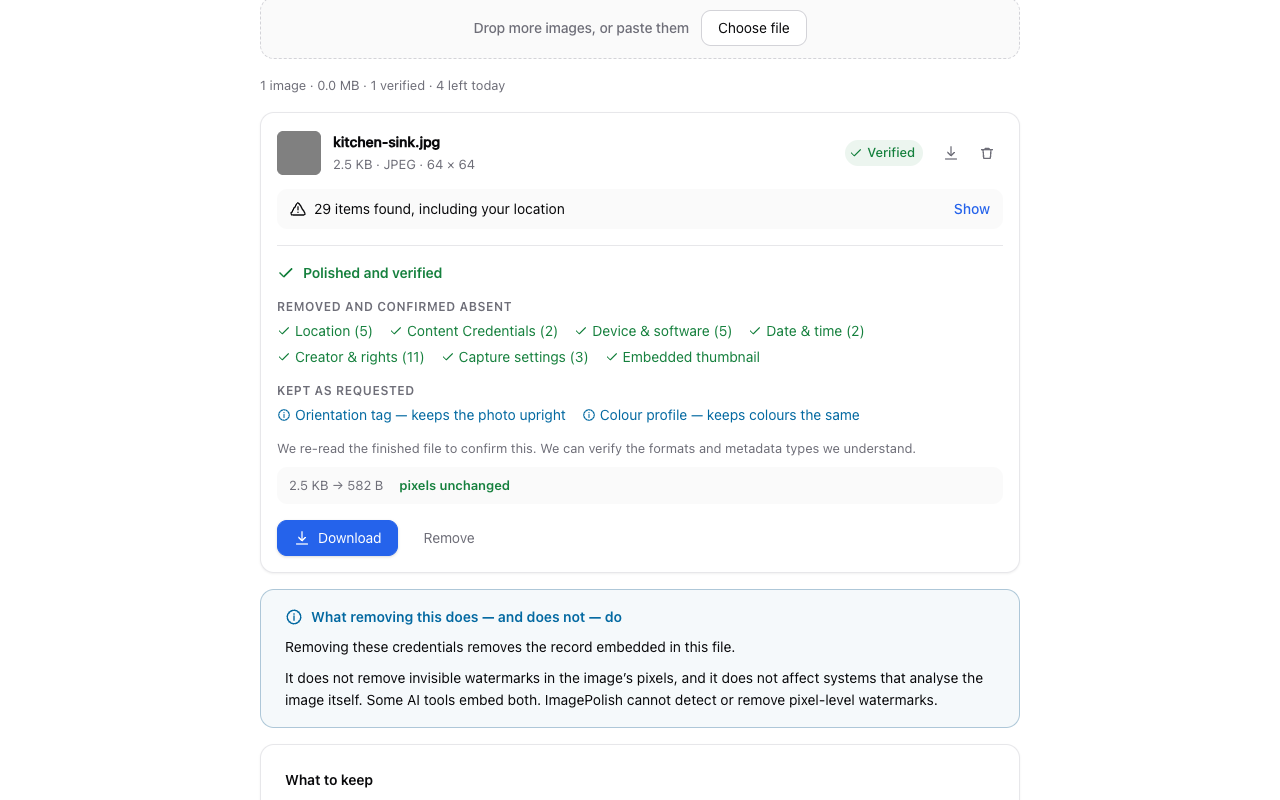
Every finished file is read back and checked. Anything that cannot be confirmed gone is reported as attempted, never as removed — and a file that fails verification is discarded rather than offered to you.
Make a file smaller, or turn a PNG into a WebP. Both are optional, both show you the measured before and after, and both decline outright rather than hand you a “smaller” file that grew.
Strip a photo bare and then add just the fields you want on it — your name, your copyright line, a description. Saved as a preset, so the next batch takes one click.
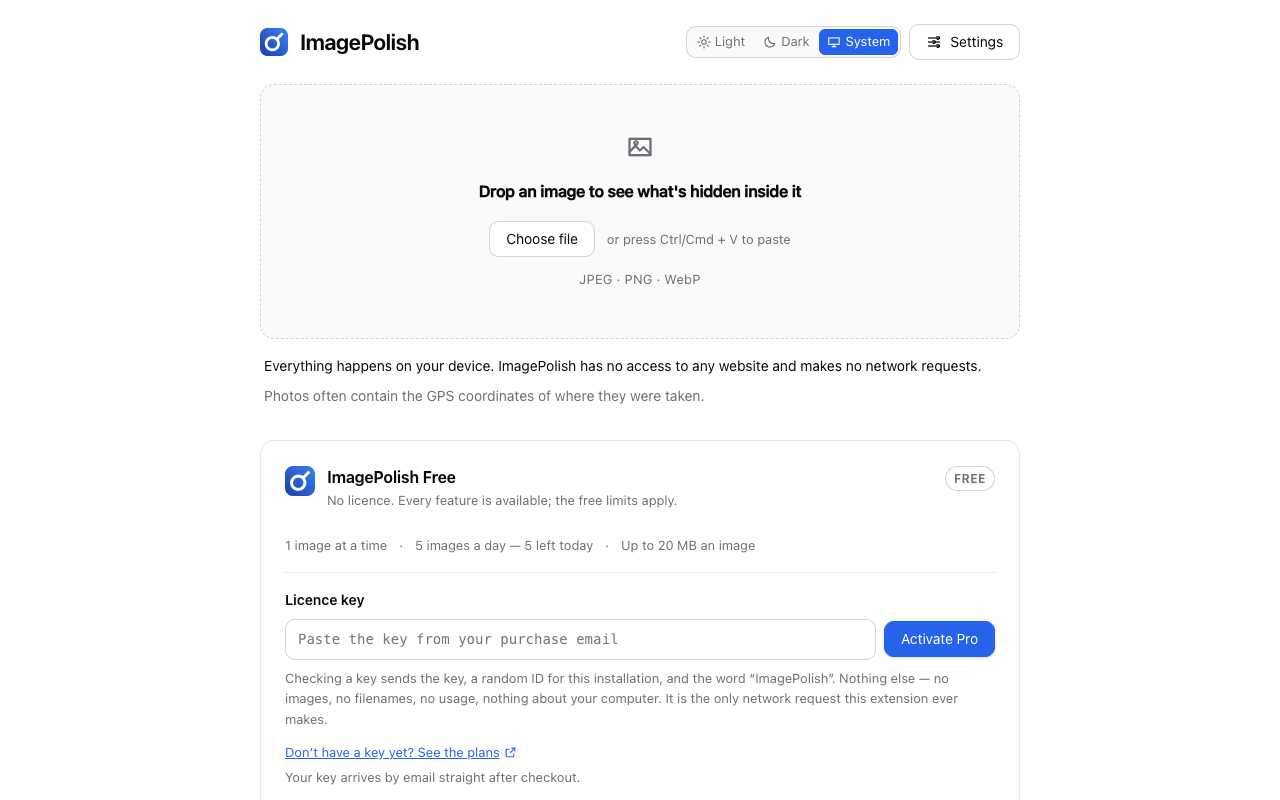
Drag it, choose it, or paste it with Ctrl/Cmd + V. JPEG, PNG and WebP. Nothing is uploaded to look inside it.
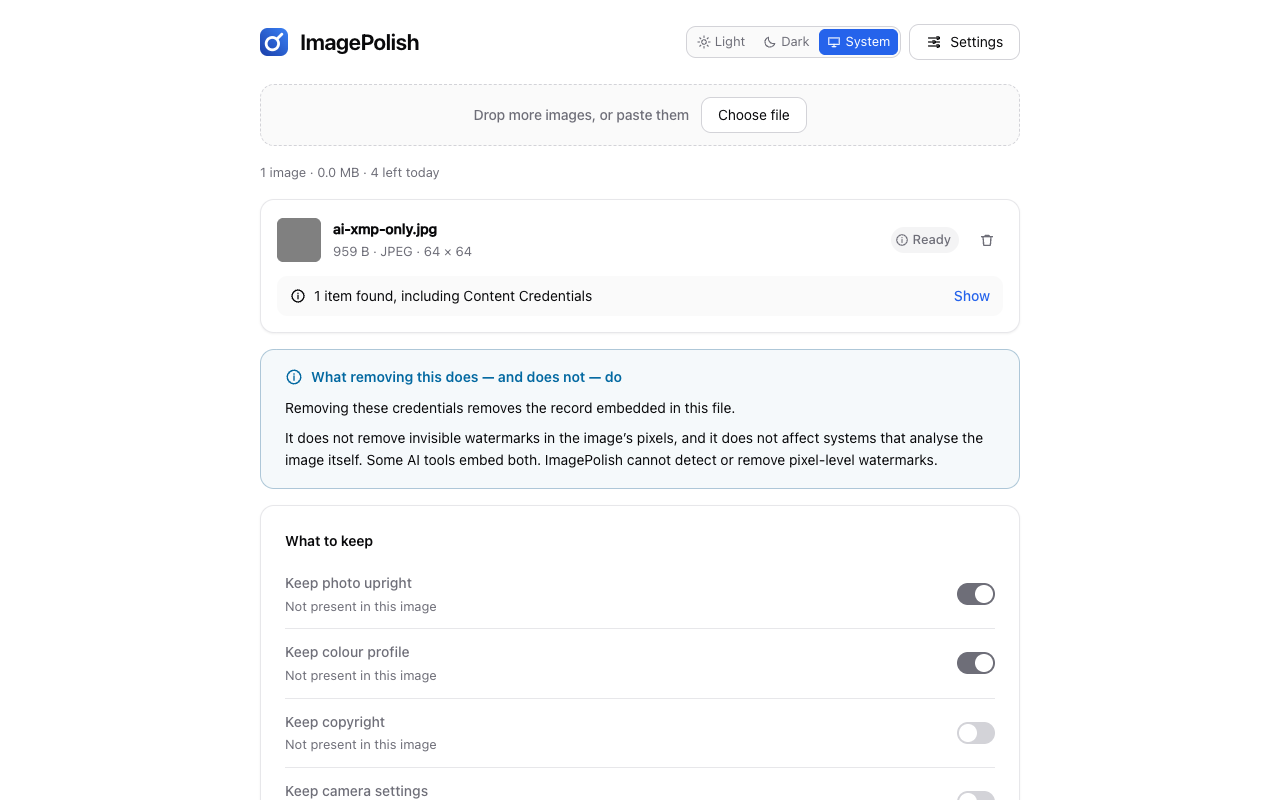
Location, device, dates, creator and rights, capture settings, Content Credentials — then decide what to keep. The defaults keep the two tags that change how the photo looks.
The file is rebuilt, re-read and verified before you are offered a download. The panel names what was removed, what was kept, and what it could only attempt.
The actual product
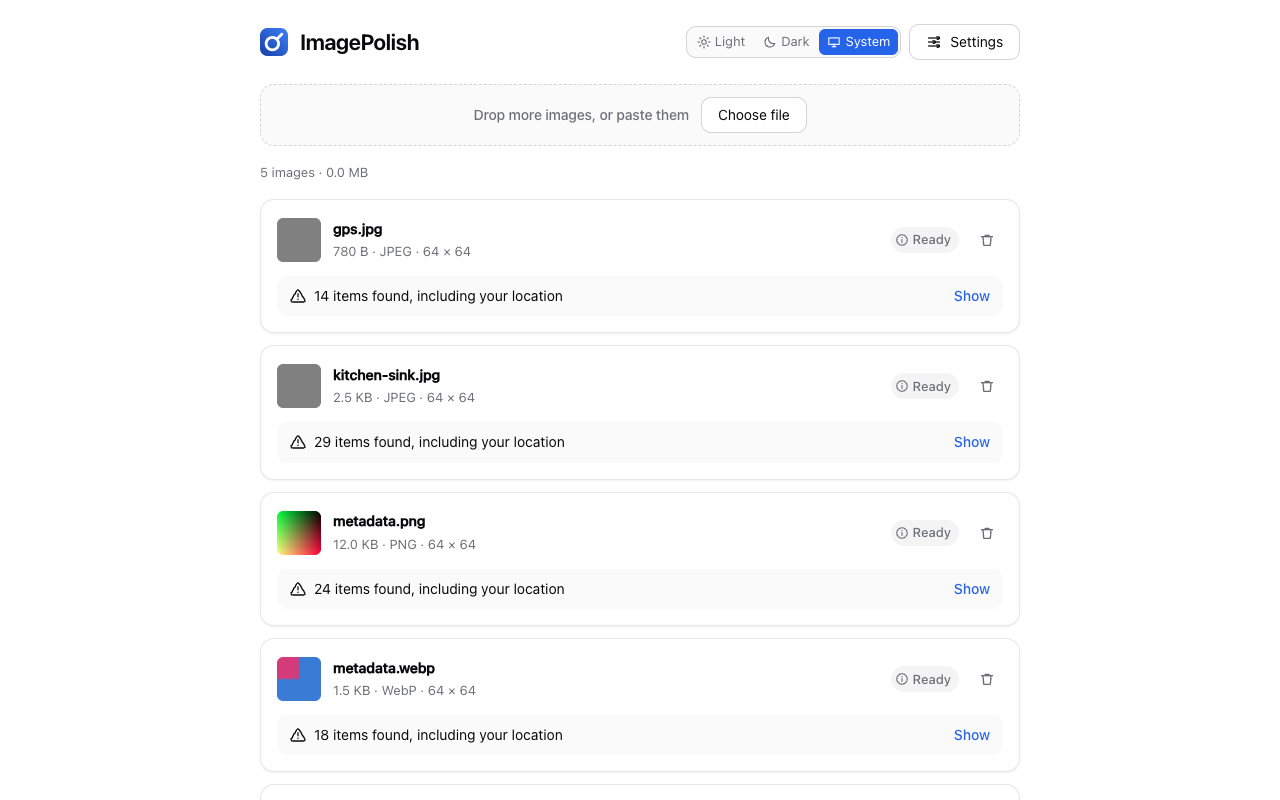
Captured from ImagePolish itself, running in a real browser against real files by a script in this repository — never mocked, never composited, and never a state the product cannot actually reach.
Not a promise — a property
Most metadata removers upload your photo to a server and hand you back whatever comes out. ImagePolish parses the file in your own browser, which is why every claim below is one you can test in about a minute.
Clean a photo with DevTools open. Nothing about it goes out, because the parts that read and rebuild your image contain no networking code at all — an automated check refuses to publish a build in which that stops being true.
Disconnect completely and clean another one. ImagePolish behaves identically, because there was never a server involved to miss.
ImagePolish asks for one permission at install — local storage, for your settings. It has no access to any website, so it cannot read the pages you visit, your history, your tabs or your bookmarks.
The one request ImagePolish ever makes is the licence check, and only if you buy Pro. It carries your licence key, a random 32-character identifier generated on your device, and the product's own name — no image, no filename, no image count, nothing about your computer. Chrome asks your permission for it at the moment you paste a key in, never at install, and it is withdrawn when you remove your licence. On the free version there is no network request of any kind. It is all written out in the privacy policy.
ImagePolish removes the record embedded in your image file. It does not remove invisible watermarks carried in the image's pixels, and it does not affect systems that analyse the picture itself. Some AI tools embed both. ImagePolish cannot detect or remove pixel-level watermarks, and nothing that edits a file's container can.
This is on the page for the same reason the extension shows it, inline and undismissable, whenever it finds an AI indicator: it is the honest boundary of what this tool is. If what you need is a guarantee about how some website will treat an upload, no metadata tool can give you one, and this one does not pretend to.
ImagePolish Pro
Free is one image at a time, five a day, up to 20 MB each. Pro is those three limits handed to you: fifty at once, no daily count, no size ceiling. There is no fourth thing.
What a key changes
One licence key, pasted in once. There is still no account and no sign-in, and the free version on the same machine is unchanged the moment you remove it.
Pricing
Billed in US dollars by Freemius, our reseller and Merchant of Record. Cancel any time from the account link in your purchase email.
The whole product. Not a trial of one.
$0 forever
No card, no account
Pro for as long as you need it, and no longer.
$5 was the regular price
$3 per month
40% off
Billed monthly · cancel any time
Best value
The same Pro, at the price the checkout discounts it to.
$50 was the regular price
$30 per year
40% off
Billed yearly · cancel any time
One payment. Nothing to renew and nothing to cancel.
$150 was the regular price
$100 once
33% off
One-time payment
Payment is taken on Freemius's own checkout page. ImagePolish never sees your card details. The amount charged, including any tax, is the one shown at checkout. Full pricing, comparison and refund policy →
Good to know
Listed here rather than discovered after you install. A clear no in advance beats a refusal you were not expecting.
Yes, on both the free and the paid version. No part of ImagePolish that touches an image contains an HTTP client — not the workspace, not the image worker, not the settings page — and a release check refuses to publish a build in which one appears. A full clean-and-download makes zero network requests, and that is asserted by an automated browser test on every build.
No. Cleaning never decodes your image. It rewrites the container around the compressed picture data and copies that data across byte for byte, then compares the two to confirm they match — a mismatch discards the result rather than offering it. The words “pixels unchanged” in the result panel are the outcome of that comparison, not a slogan.
No, and be wary of any tool that says it will. ImagePolish removes the record embedded in the file. Invisible watermarks live in the pixels, survive compression and screenshots, and are untouched by anything that edits a container — ImagePolish's cleaning path does not alter a single pixel, so its effect on them is exactly zero. What ImagePolish is for is knowing what your file carries and controlling it.
No capability at all. Inspection, removal, verification, optimization, format conversion and metadata authoring are every one of them in the free version, with no watermark and no trial clock. What Free has is three quantities — one image at a time, five a day, 20 MB each — and Pro is those three limits lifted. See the full comparison.
On the free tier, one number and today's date are kept on your own machine, because a limit of five a day cannot work without counting to five. Nothing about which images — no filename, no size, no content, no hash — is stored, and the count is never transmitted anywhere. Pro has no daily limit, so it has nothing to count.
Exactly three things, to api.freemius.com and nowhere else: the licence
key you entered, a random 32-character identifier generated on your device at that
moment, and the product's own name. No image, filename, size or count is part of it.
The privacy policy spells this out in full.
No — not for the free version and not for Pro. Pro is unlocked with a licence key you paste in once. There is no sign-in, no password and nothing to recover.
Yes to both. Pro is sold by Freemius, our reseller and Merchant of Record — manage or cancel from the account link in your purchase email. Lifetime is a one-time payment, so there is nothing to cancel. Refunds are handled by Freemius and go back to your original payment method; the terms are on the pricing page.
A photo that will not clean, a licence that did not unlock, a refund question, or a format worth supporting. There is no in-app reporting — that would need a network request — so email is the whole support channel, and it is read.