

Dark mode
Guides
How to Hide Shorts, Reels & Stories on YouTube, Facebook & Instagram
A simple, step-by-step guide to removing short-form video and other distractions from your feeds with our free Chrome extension.
GUIDES · AT A GLANCE
Applies to
YouTube, Facebook, Instagram
Extension
Hide Shorts, Reels & Stories
Cost
free
Account required
no
Setup
about a minute
Everything in this guide happens in your own browser.
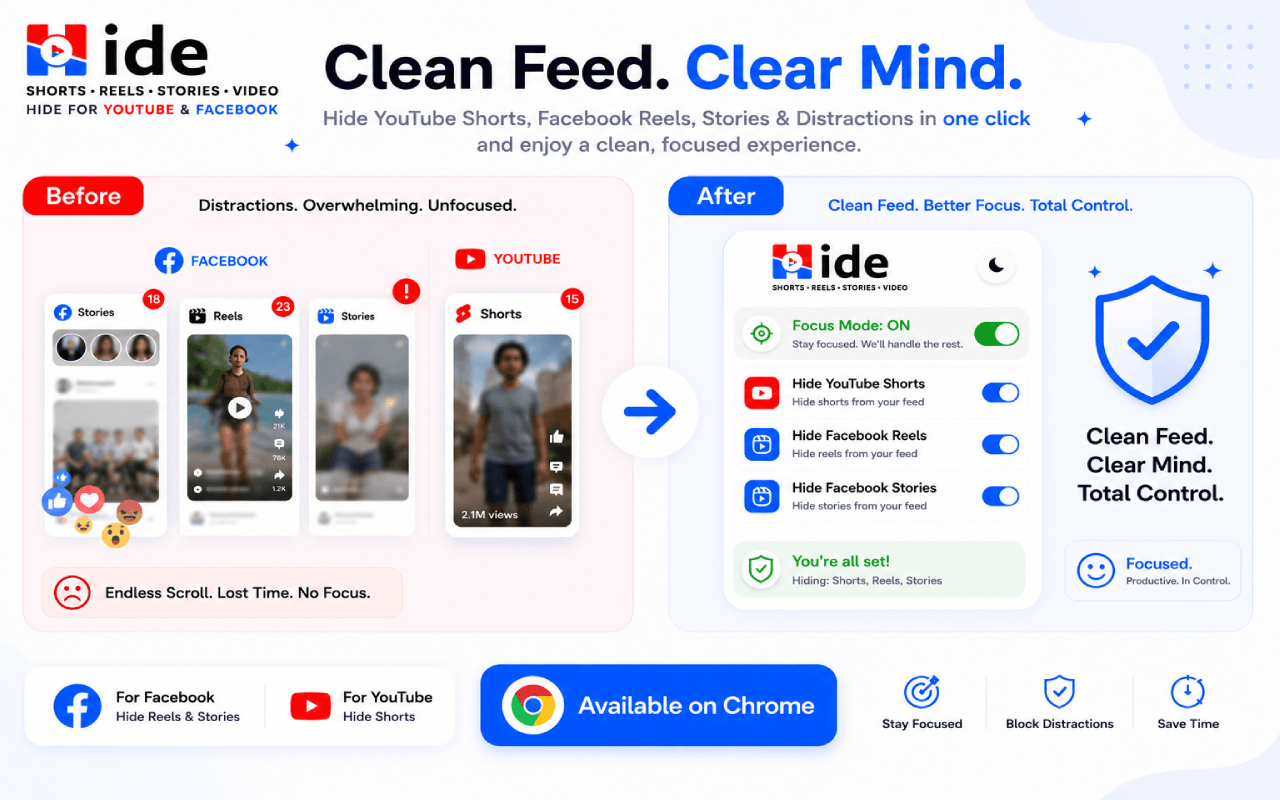
Install the free extension
Add Hide Shorts, Reels & Stories from the Chrome Web Store. It works on YouTube, Facebook, and Instagram right after you install it — no account or setup required.
Focus Mode hides distractions automatically
By default, Focus Mode keeps Shorts, Reels, Stories, and the Explore feed hidden, so you can browse the parts you actually came for without the endless scroll.
No account, no tracking
The extension stores your preferences locally in your browser. It collects no browsing history and asks for no personal information.
Hides: YouTube Shorts · Facebook Reels & Videos · Instagram Reels · Stories · Explore
Go Pro for full manual control
Upgrade to Pro to toggle each type of content individually — show what you want and hide the rest — across all supported sites. See the pricing page for monthly, yearly, and lifetime options.