Skip to content
AI Chat Vault

Chrome extension · Free to start

Every AI chat, saved and searchable.

AI Chat Vault saves your conversations from ChatGPT, Claude, Gemini, Perplexity and Grok into a private vault on your own computer. Find any chat in seconds. Organize it. Take it with you.

See how it works

ChatGPT Claude Gemini Perplexity Grok
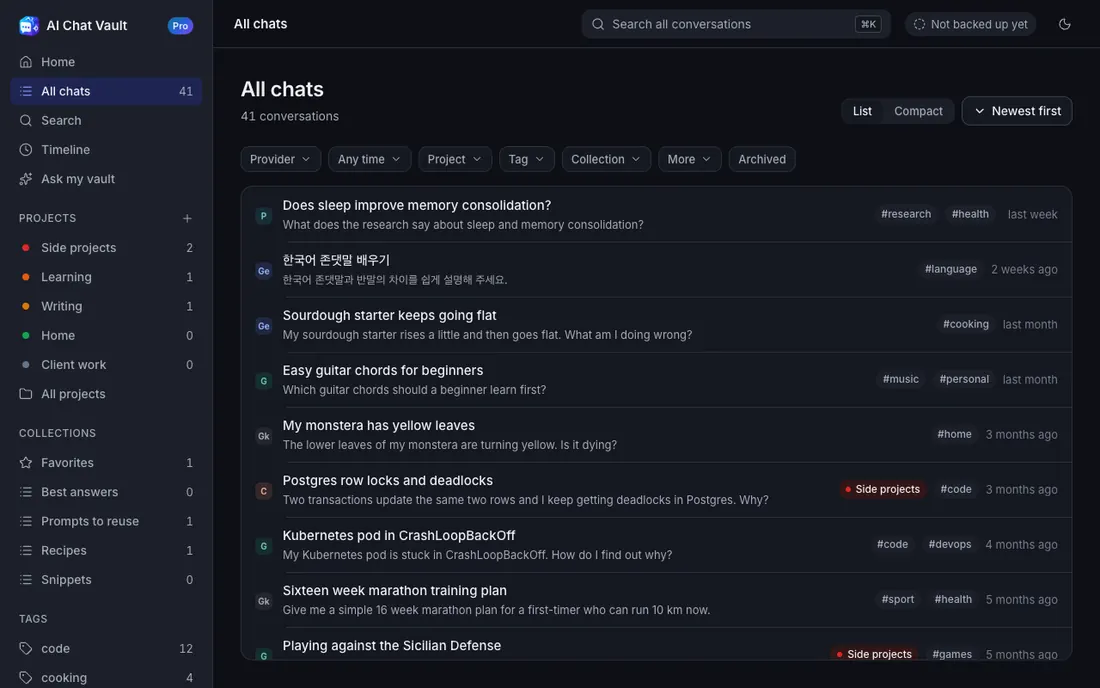
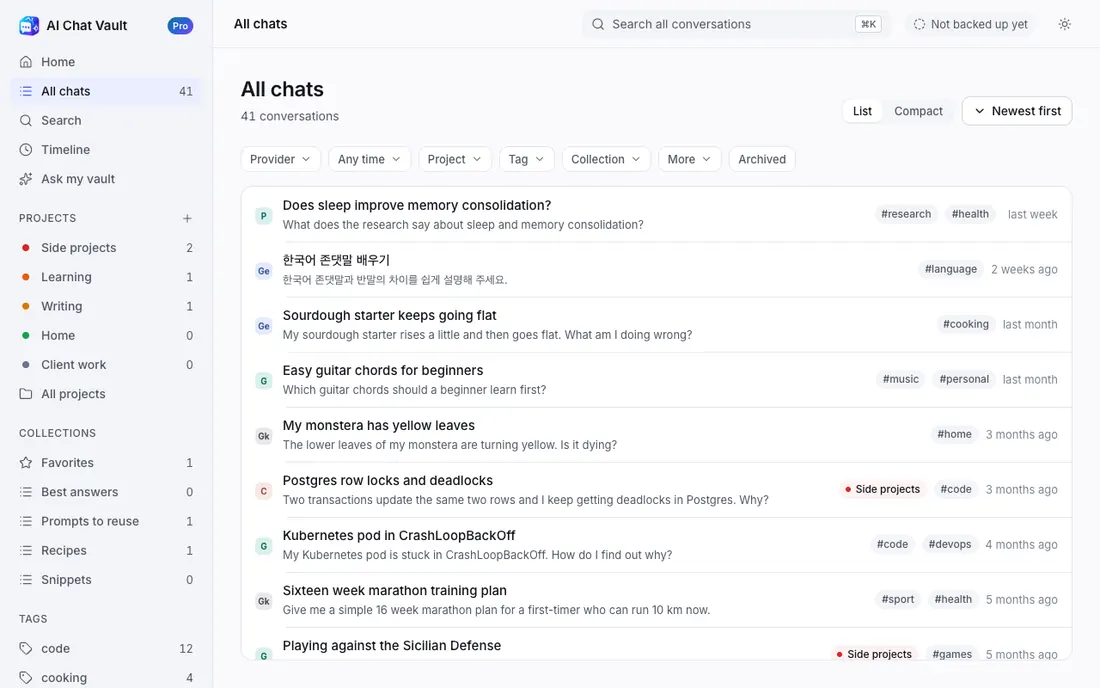
AI Chat Vault · All chats
The All chats screen of AI Chat Vault: a list of saved conversations with tags and the AI each came from. The All chats screen of AI Chat Vault in dark mode.

How it works

Use your AIs as you always do. We do the rest.

Chat as usual

Open ChatGPT, Claude, Gemini, Perplexity or Grok. Ask your questions. There is nothing to press.

It saves by itself

When an answer finishes, the chat is saved to your vault on this computer. A check mark shows on the toolbar icon.

Find it any time

Press Ctrl K and type. Every chat from every AI, in one place.

AI Chat Vault reads the page you are already looking at, using your own sign-in. It saves from ChatGPT, Claude, Gemini, Perplexity and Grok. It is not affiliated with OpenAI, Anthropic, Google, Perplexity or xAI.

Features

Everything you need to keep your AI work.

Find anything in a few keystrokes

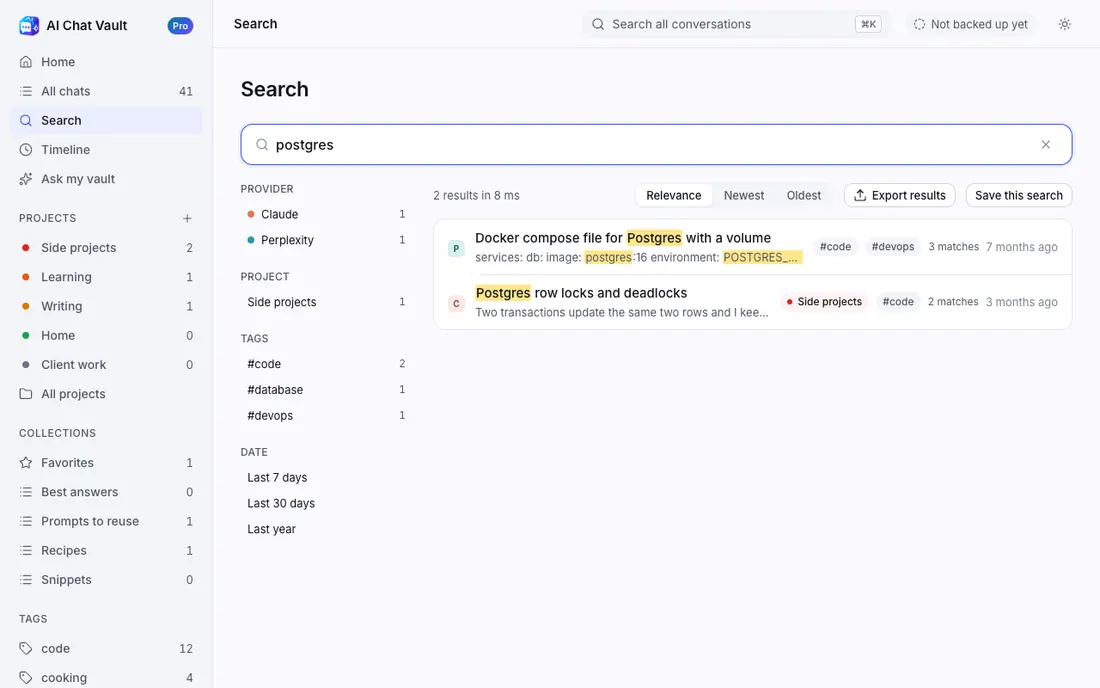
Search looks at titles and at everything said in the chat, across all five AIs. Narrow it by AI, project, tag or date.

  • Results appear as you type
  • Filters like provider:claude after:30d
  • A timeline of every day you used an AI
Search
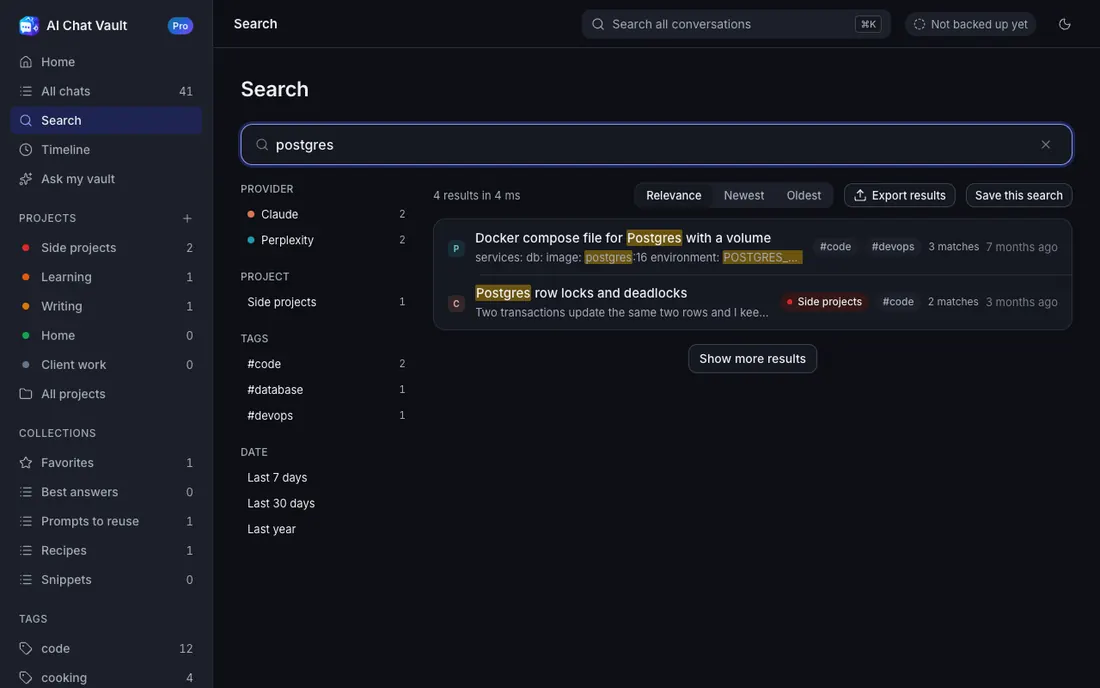
Search results for the word postgres, with the matching words highlighted. Search results for the word postgres in dark mode.

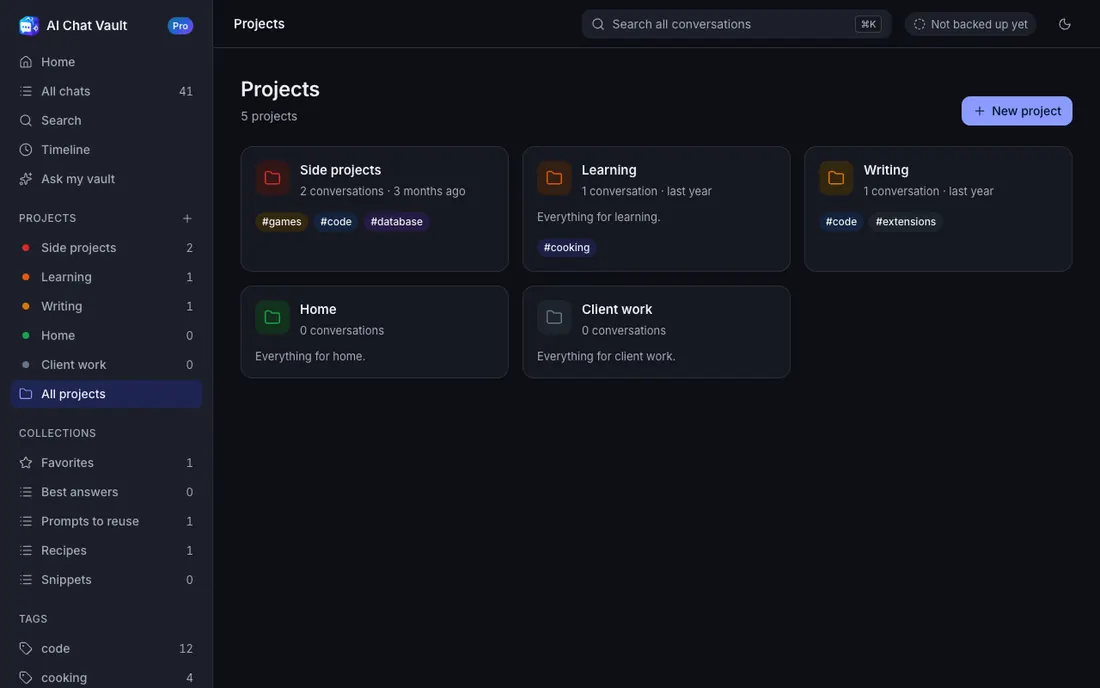
Keep your work in order

Favorites, tags, projects and collections. Organize a few chats, or hundreds at once. AI Chat Vault can suggest a tag or project when it is a good fit.

  • Projects keep one piece of work together, across every AI
  • Tags and collections for everything else
  • Trash with 30 days to change your mind
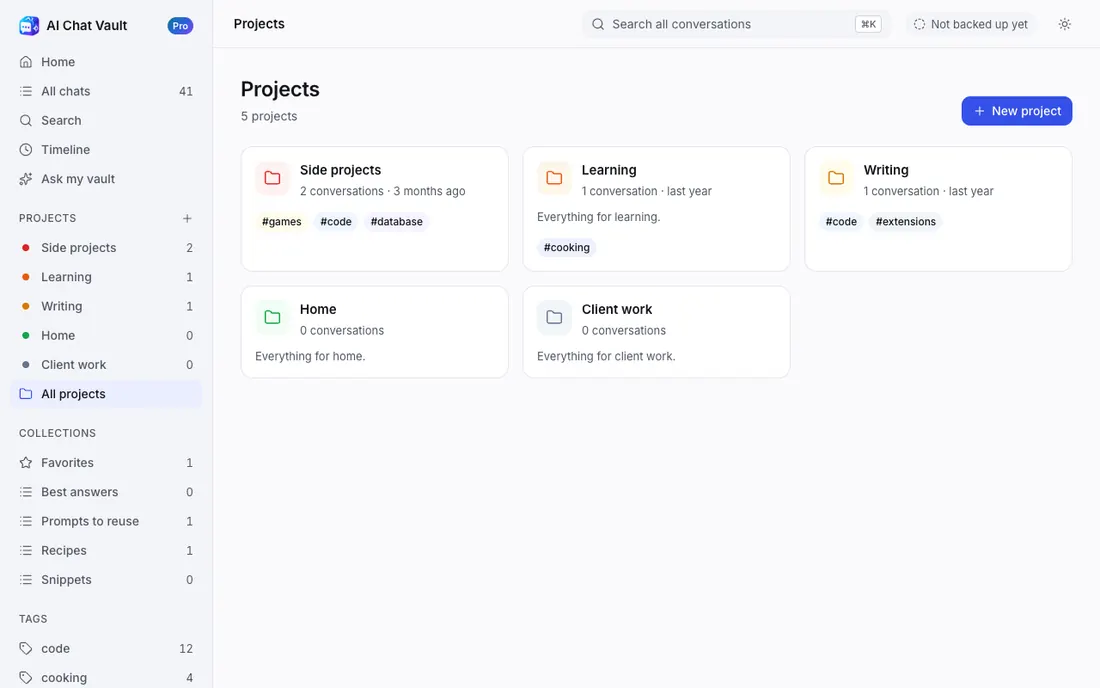
Projects
The Projects screen with project cards and their tags. The Projects screen in dark mode.

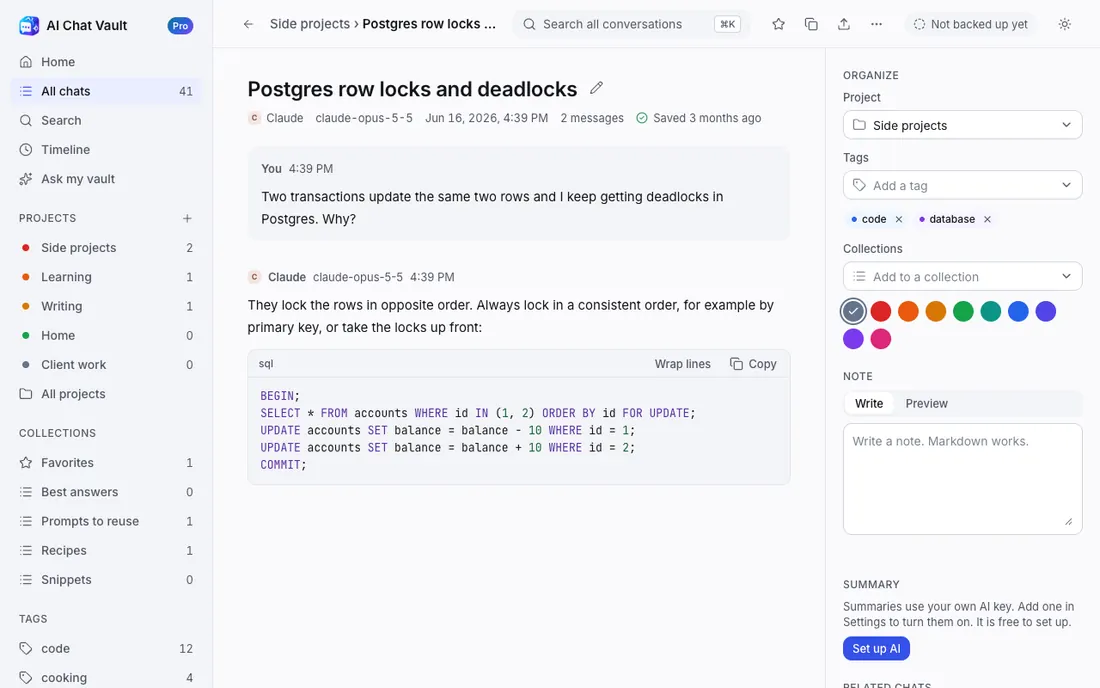
Your chats, connected

Open a chat and see other chats about the same subject, with what they share. It works on your computer, with no upload.

  • Related chats from every AI
  • Careful tag and project suggestions
  • Free summaries and Ask my vault, with your own AI key
A saved chat
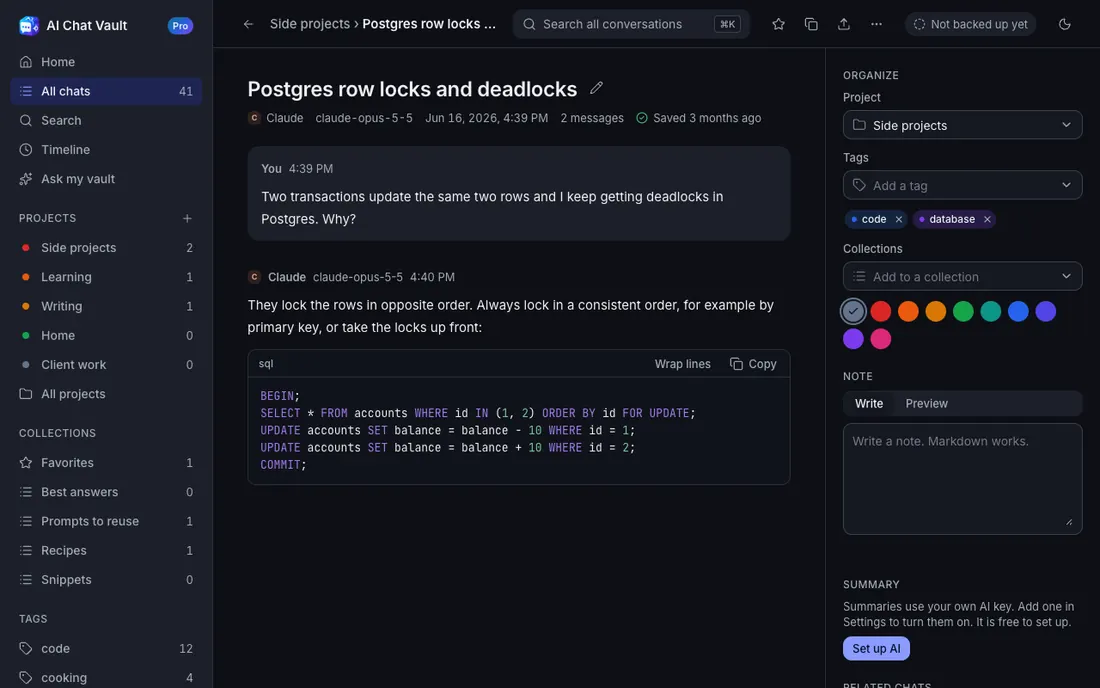
A saved conversation with its code, and a panel on the right with project, tags and related chats. A saved conversation in dark mode.

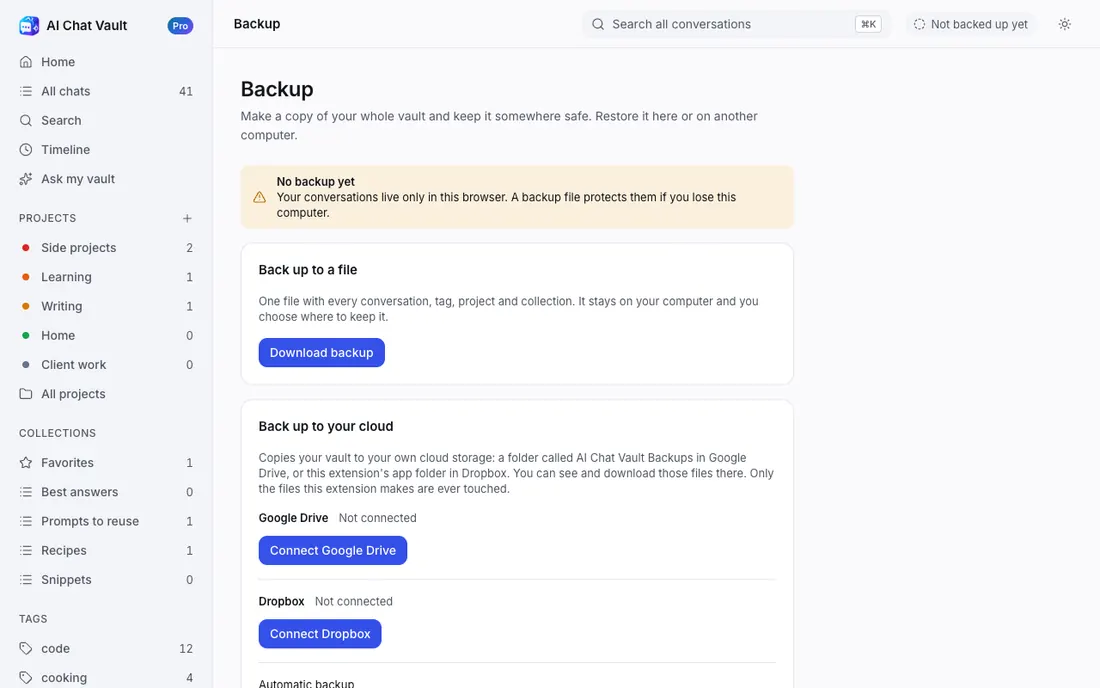
Take it with you. Keep it safe.

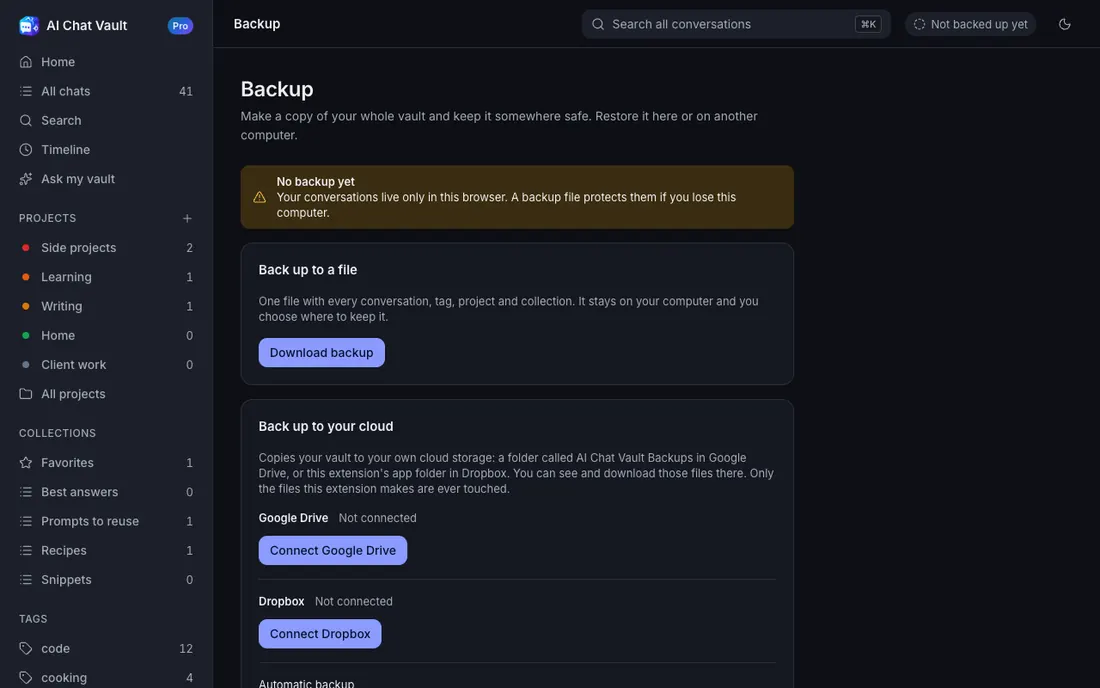
Export any chat, or all of them, as Markdown, JSON or HTML. Back up your whole vault to a file and restore it on any computer. Bring in your old chats from the files your AI sites let you download.

  • Export and file backup are free
  • Pro adds encrypted backups
  • Pro adds backup to Google Drive or Dropbox, by hand or automatic
Backup
The Backup screen with the Download backup and Restore from file buttons. The Backup screen in dark mode.

Privacy by design

Your chats stay on your computer.

They are stored in your browser. We have no server that receives them, no analytics and no ads.

No account

Everything except Pro works without signing up.

No tracking

The extension sends no usage data. Not even an opt-out.

AI only if you choose

Summaries and Ask my vault use your own AI key. Only the chats you ask about go to the provider you pick. Without a key, nothing is sent.

Your data is portable

Export everything as Markdown, JSON or HTML at any time, free.

Read the full privacy policy.

Pricing

Free is a full product. Pro opens everything.

Free saves every chat and keeps your newest 200 open. Older chats are locked, never deleted. Pro opens them all.

Free

$0forever

No account needed

  • Saves every chat from all five AIs
  • Newest 200 chats open; older ones locked, never deleted
  • Search, projects, tags and collections
  • Export, import and backup to a file
  • Pictures from chats, AI with your own key, 51 languages

The full core product. Nothing expires.

Pro monthly

$3Launch price was $5/month

Launch price

  • Every chat open, not only the newest 200
  • Encrypted backups with your own passphrase
  • Backup to Google Drive or Dropbox, by hand or automatic

Cancel any time.

Best value

Pro yearly

$19Launch price was $39/year

Launch price

  • Every chat open, not only the newest 200
  • Encrypted backups with your own passphrase
  • Backup to Google Drive or Dropbox, by hand or automatic

Saves 47% against twelve monthly payments.

Pro lifetime

$49Launch price was $99one time

Launch price

  • Every chat open, not only the newest 200
  • Encrypted backups with your own passphrase
  • Backup to Google Drive or Dropbox, by hand or automatic

Pay once, keep Pro for good.

After you install, upgrade from inside the extension. Pro is sold by Freemius, our reseller and Merchant of Record. See pricing details and billing.

FAQ

Questions people ask

Where are my chats stored?

On your own computer, inside Chrome. AI Chat Vault has no server that receives your conversations.

Is AI Chat Vault free?

Yes. Free saves every chat from all five AIs and keeps your newest 200 open, with search, organizing, export and file backup. Pro opens every chat and adds more.

What happens to chats older than my newest 200 on Free?

They are locked. They stay saved in full on your computer and nothing is ever deleted. Pro opens them all. Continuing an old chat on its AI site also makes it recent again.

Can it summarize my chats or answer questions about them?

Yes, and it is free. Add your own AI key (Google Gemini has a free tier) under Settings, then AI. Chats are sent only when you press an AI button, and only to the provider you chose. The guide shows how.

Do I need an account?

No. Pro uses a licence key from your purchase email. There is nothing to sign up for.

Which AI sites does it work with?

ChatGPT, Claude, Gemini, Perplexity and Grok. You can switch any of them off in Settings.

What if I remove the extension?

Chrome deletes the saved data when an extension is removed. Make a backup file first, then restore it any time. The guide shows how.

Does it work on my phone?

No. It is a Chrome extension for computers.

Is it hard to use?

No. The user guide is written for people who have never installed an extension, with a picture for every step.

How do I get help?

Start saving your AI chats today.

Free. No account. Your chats stay on your computer.