
User guide / Uninstall
Uninstall
You can remove AI Chat Vault at any time. Read the first step before you do.
Back up first
When Chrome removes an extension, it deletes the data the extension saved. Your chats would be gone from this browser. We never had a copy. Make a backup file first.
Make a backup file (see Backup and restore) and keep it somewhere safe. Or use Export to save your chats as files.
In Chrome, click the puzzle-piece icon, then the three dots next to AI Chat Vault.
Click Remove from Chrome, then Remove.
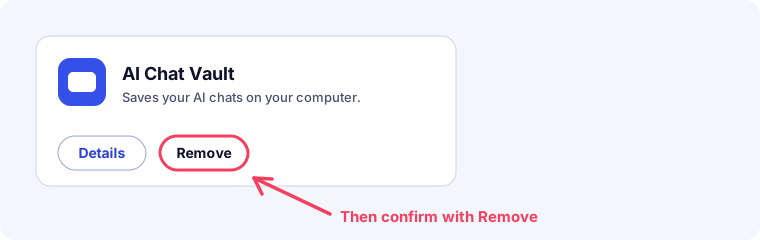
An illustration of the Chrome extensions page. A page on our site opens to say it was removed. It collects nothing.
To bring your chats back later, install it again and use Restore from file.
If you have Pro, your licence key still works. You can use it on a new browser.