
User guide / Related chats and suggestions
Related chats and suggestions
AI Chat Vault can show you other chats about the same thing. This works on your computer. Nothing is sent anywhere.
Open a chat.
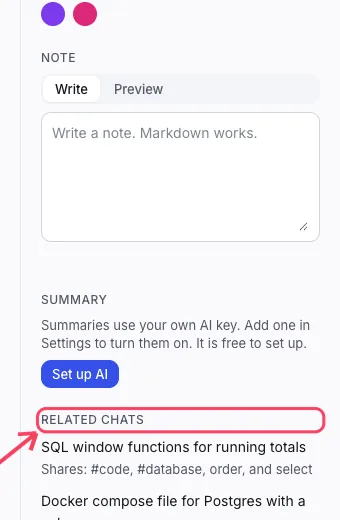
Scroll the panel on the right to Related chats. Each one says what it shares with this chat. Click one to open it.
Sometimes a row called Suggested shows a tag or a project that may fit. Click it to add it. Click the small x to dismiss it.
Good to know
Suggestions are careful on purpose. On short chats you may see none. That is normal.