
User guide / Keyboard shortcuts
Keyboard shortcuts
Single keys work when you are not typing in a box. Press ? on any screen to see the list.
| Keys | What it does |
|---|---|
| Ctrl + K or ⌘ + K | Open the quick search window |
| / | Search |
| g then h | Go to Home |
| g then a | Go to All chats |
| g then t | Go to Timeline |
| g then p | Go to Projects |
| j / k | Next or previous row |
| Enter | Open the row |
| x | Select the row |
| s | Add or remove from Favorites |
| t | Tag the chat |
| m | Move to a project |
| e | Archive the chat |
| # | Move the chat to the Trash |
| Ctrl + F or ⌘ + F | Find in a conversation |
| Ctrl + Shift + C or ⌘ + Shift + C | Copy the conversation as Markdown |
| [ | Collapse or expand the sidebar |
| Esc | Close or clear |
| ? | Show this list |
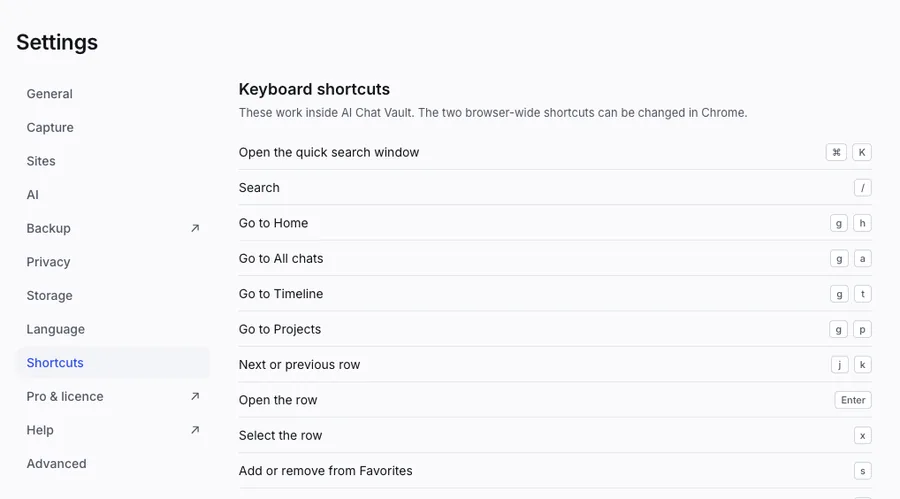
Chrome also lets you set two shortcuts for the whole browser. Open Settings, then Shortcuts to change them.