
User guide / Export your chats
Export your chats
Export saves your chats as files. It is free. You can export everything at any time.
Export one chat
Open the chat.
Click Export at the top. Pick a format. Or click Copy as Markdown to copy it for pasting.

Export many chats
Open the export page. In the left menu, open Settings, or search for "Export". Choose what to export: everything, chosen chats, a project, a tag, or search results.
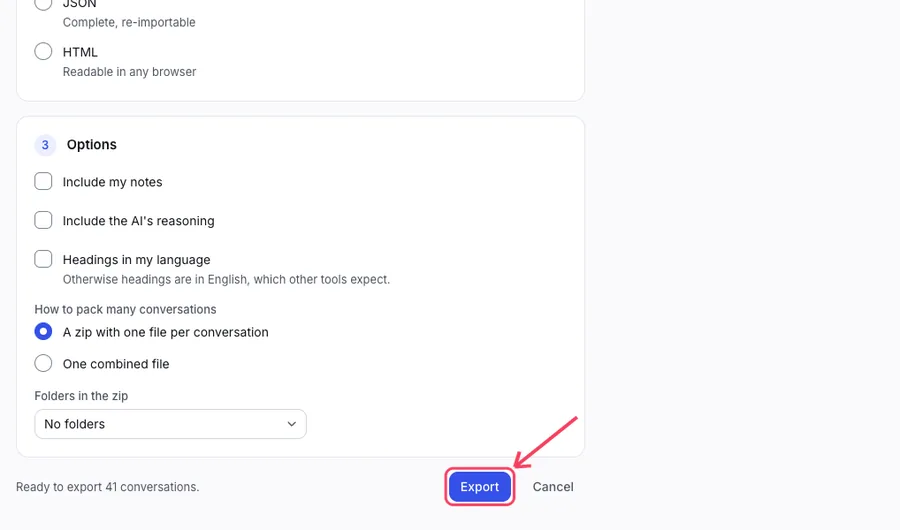
Choose a file format: Markdown, JSON or HTML.
Click Export. Your browser downloads a file. Many chats come as one zip with one file per chat.
Which format?
- Markdown is plain text. Good for notes apps.
- JSON is complete and can be imported back.
- HTML opens in any browser.
On the Free plan
Locked chats are not included in an export. Open chats are. Pro opens and exports all of them. Nothing is ever deleted.