
User guide / Import your history
Import your history
You may have chats from before you installed AI Chat Vault. You can bring them in. This is optional.
Option 1: save past chats from your AI account
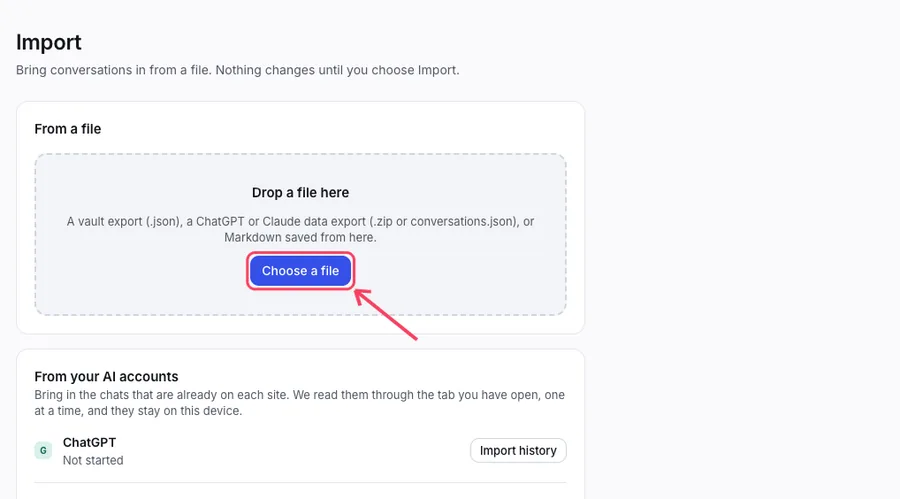
Open Import (the Import history button is on the Home screen). Find the AI in the list. Click Import history.
Keep that AI site open in a tab. AI Chat Vault reads your old chats through that tab, one at a time, about one chat per second.
Wait until it says it is done. You can use your computer meanwhile.
Option 2: use the export file from your AI
On the AI site, find the setting that downloads your data. ChatGPT and Claude both have one. The file arrives by email or as a download.
In AI Chat Vault, open Import and click Choose a file. Pick the file (a .zip or conversations.json).
AI Chat Vault tells you what it found before it saves anything. Check it, then click Import.
Importing never deletes anything and never makes copies of chats you already have.