User guide / Settings
Settings
Open Settings from the left menu. The sections are on the left.
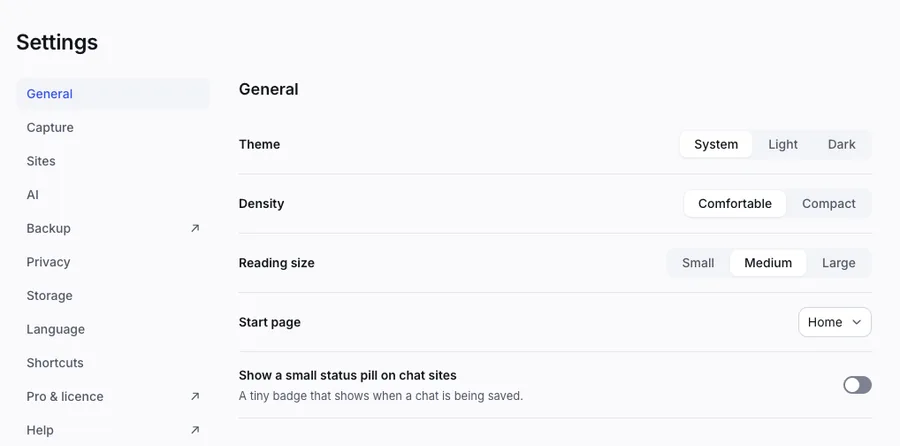
- General: the theme (system, light or dark), how roomy the lists are, the reading size, and your start page.
- Capture: pause saving, and whether to save chats from private windows.
- Sites: switch each AI on or off.
- AI: your own AI key for summaries and Ask my vault. See Use AI with your own key.
- Backup: opens the Backup screen.
- Privacy: what is saved, images, and the privacy policy.
- Storage: how much room the vault uses.
- Shortcuts: the keyboard list.
- Pro & licence: your plan.
- Advanced: tools for support, like a report that has no chat content.
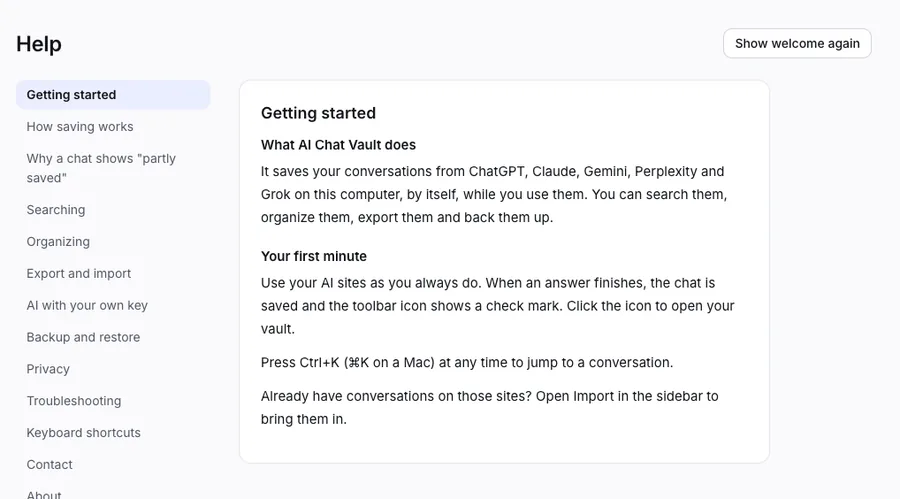
You can also open Help. It has a button Show welcome again if you want to see the first-time screens once more.